

Instagram lead ads
A CRM for Instagram lead ads: every lead called while it's fresh
Instagram lead forms are quick to fill in on a phone, so you get many leads - and many go cold if nobody calls fast. Anviom CRM brings each Instagram lead in automatically and gives it to the right person straight away.
How Instagram leads reach Anviom CRM
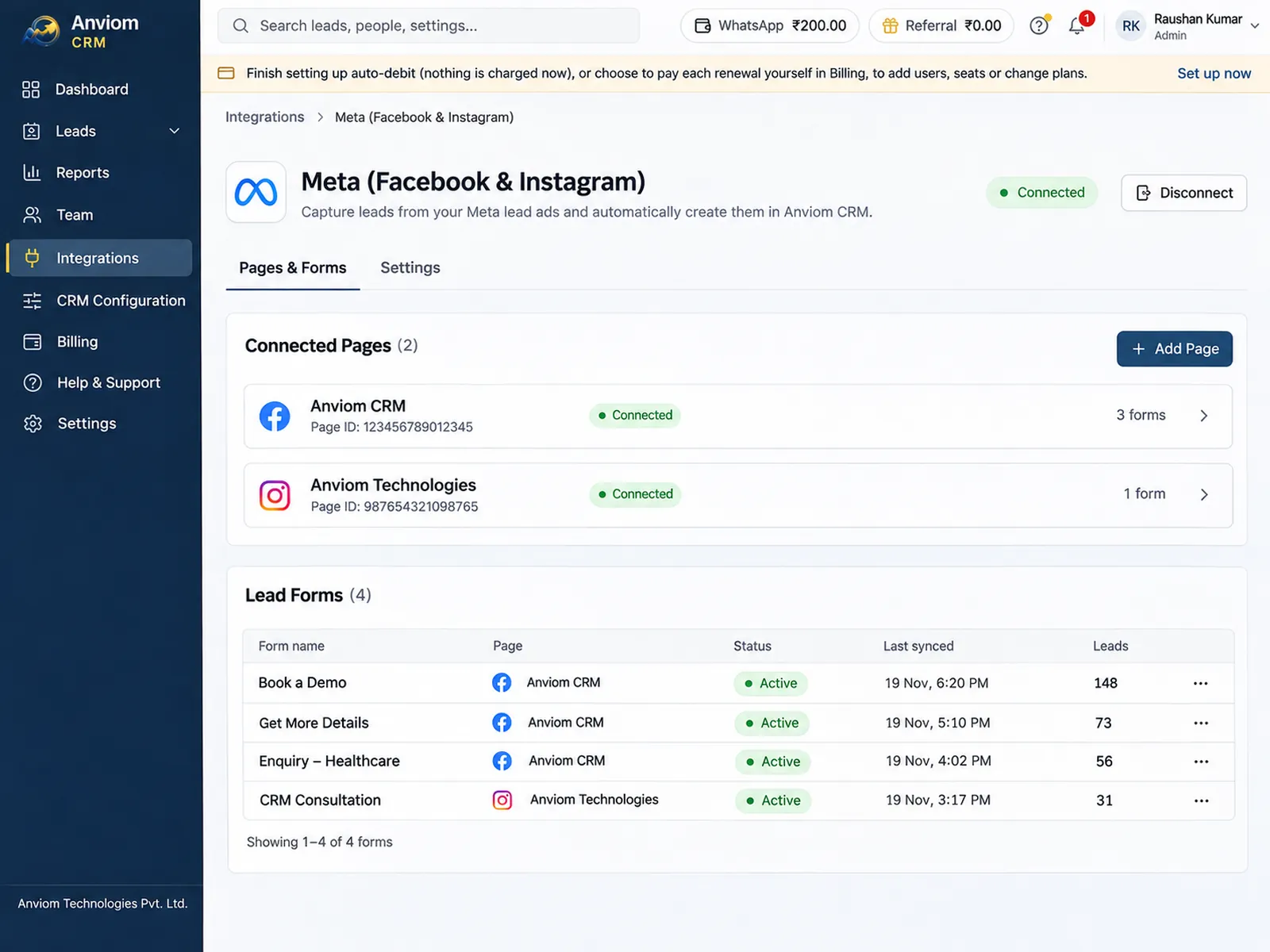
Instagram lead ads are run from your Meta ad account and your Facebook Page, and use the same instant forms as Facebook. Connect your Meta account to Anviom CRM once, and leads from Instagram and Facebook ads arrive automatically, each with the campaign, ad and form it came from.
There is no separate Instagram connection to set up. When you create a lead ad in Ads Manager and choose Instagram placements - the feed, Stories, Reels or Explore - the form still belongs to the Facebook Page linked to your Instagram account. That is why the connection in Anviom CRM lives under Integrations > Meta / Facebook: you choose the Page, and every lead form on it is covered, whichever app the person used.
If your business is mostly on Instagram and you rarely open Facebook, check which Facebook Page your Instagram account is linked to before you connect. That is the Page to select.
What is different about Instagram leads
Most Instagram leads come from someone scrolling on a phone. Meta pre-fills the name, phone number and email from their profile, so a form takes seconds. Interest is real, but short-lived: the same person may enquire with several businesses that evening.
Instagram leads often arrive outside office hours - late evening and at weekends. A lead that comes in at 10 pm needs an owner and a follow-up waiting for them in the morning, not a line in a shared sheet that someone may or may not read.
The answers people type themselves are messier. Instagram users often write their city in decorative fonts copied from their bio, in capitals, or as a PIN code. Anviom CRM turns fancy-font letters into plain text and, when only a PIN code is given, fills in the city and state from India Post's PIN code list - so city-based routing still works. The original answer stays on the lead's timeline.
Businesses that get many leads from Instagram
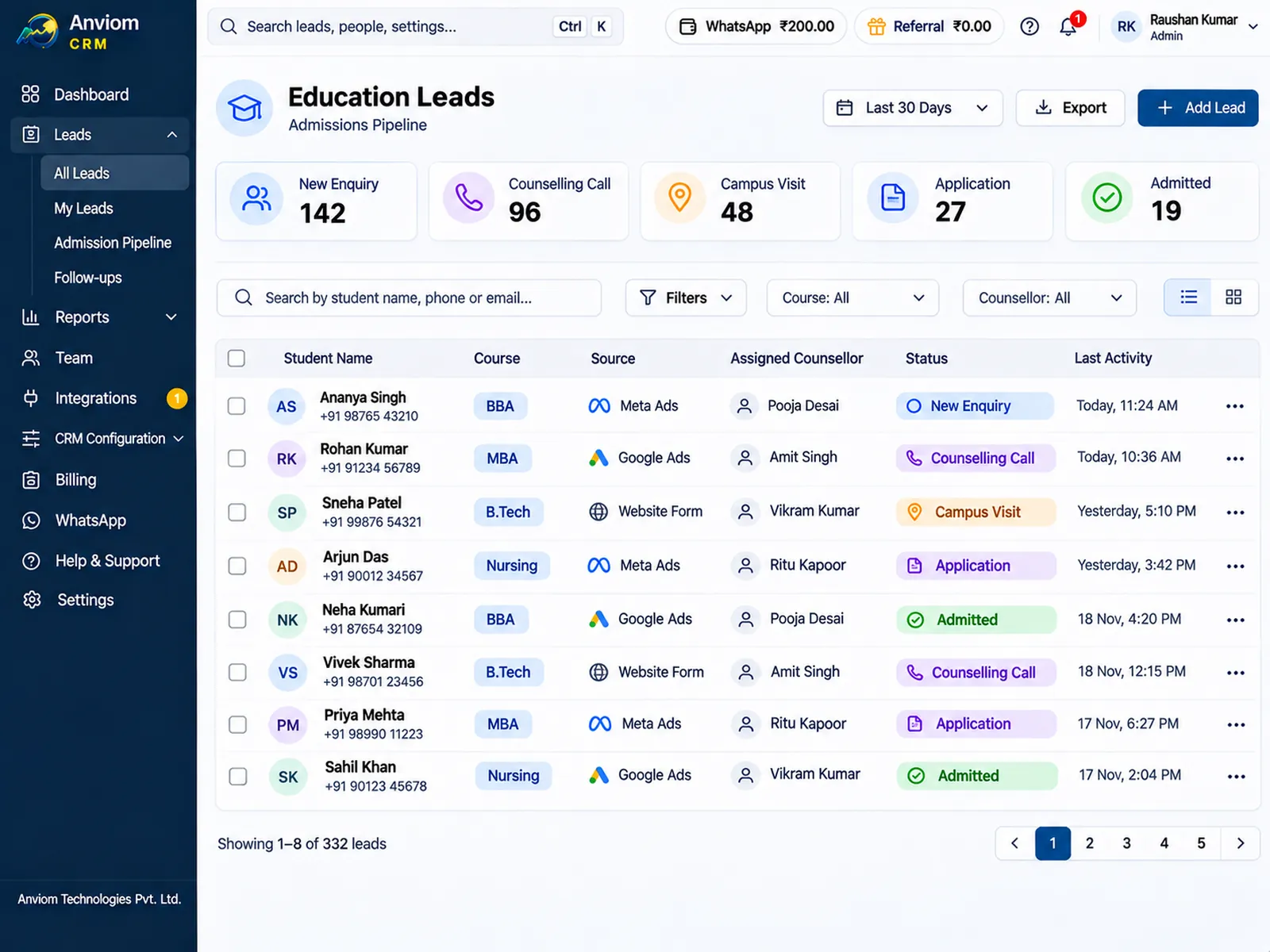
Coaching institutes and education businesses use Reels and Stories to reach students and parents. A lead form asks for the course and preferred batch. In Anviom CRM those answers land in custom fields, and on Professional a rule can send each course's leads to the counsellors for that course. Counsellors log the counselling call, set the next follow-up and move the lead through statuses such as Counselling call and Admitted.
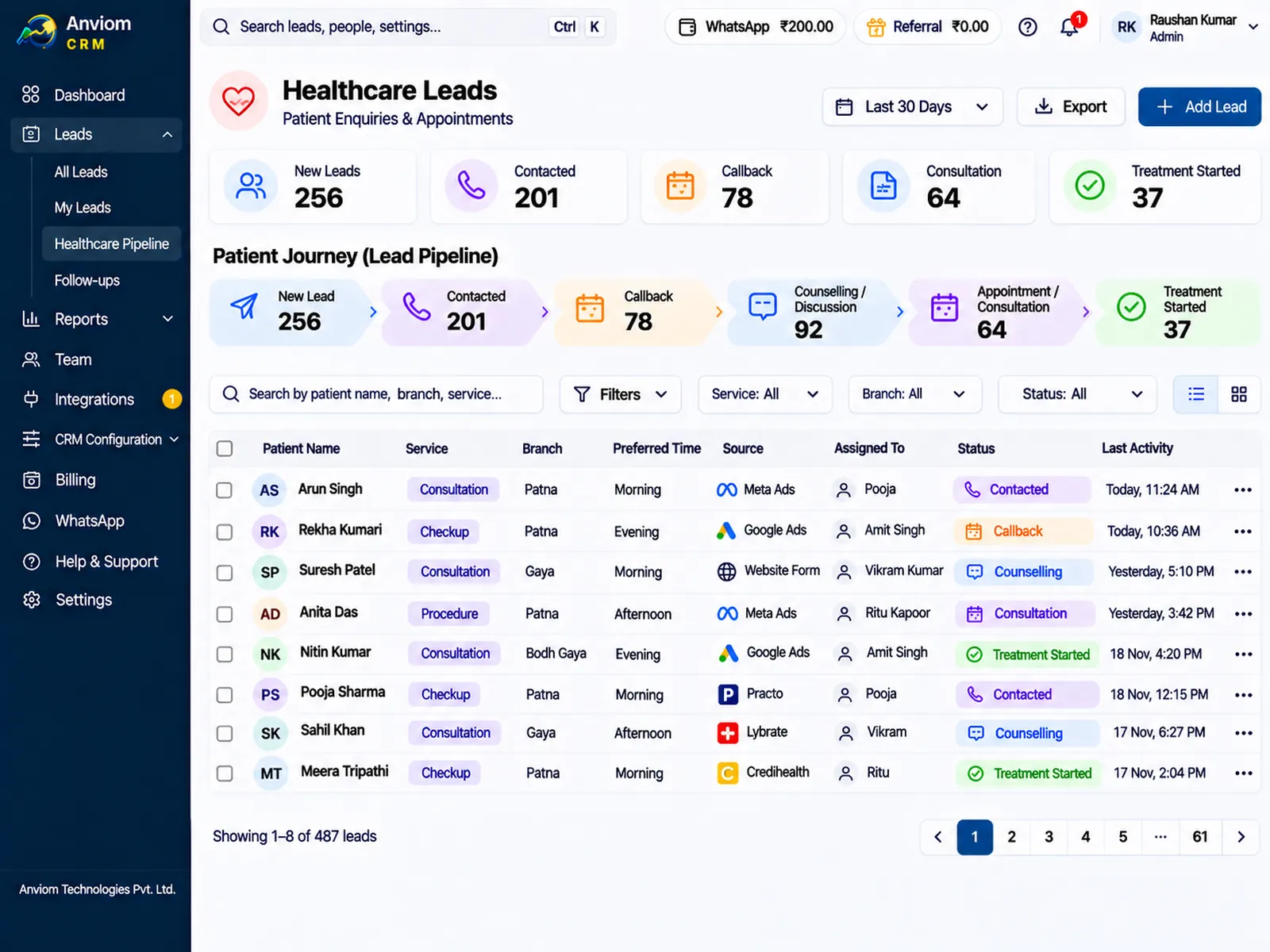
Clinics - dental, skin and hair, physiotherapy - often advertise a consultation on Instagram. The front desk needs to call back while the person is still thinking about it. Each enquiry is assigned to a patient coordinator, who records the call and sets a call-back follow-up with a reminder before it is due.
Real estate teams use Instagram to show walkthrough videos of a project. Leads from each project's form can go to that project's sales team, and a site visit becomes a follow-up with a date.
Telling Instagram leads apart from Facebook leads
Anviom CRM records the campaign, ad set, ad and form for every lead. To compare Instagram with Facebook, give Instagram placements their own ad set, or their own form, and name it clearly - for example "Admissions - Instagram Reels". Each lead then shows where it came from on the lead itself and in the CSV export.
On Professional, campaign reports show leads and conversions by campaign, so you can see whether Instagram leads actually become customers, not just how many arrive. Assignment rules can also match a campaign or form name, if you want Instagram leads handled by particular people.
What happens to each lead
- It arrives automatically with the form's answers mapped to your fields.
- It is assigned at once; on Professional by team, territory or round-robin, with a WhatsApp alert to the owner.
- The owner logs the call and sets the next follow-up, with a reminder before it's due.
- Someone who submits twice, or also filled in a Facebook form, is flagged as a possible duplicate by phone number or email.
Common problems with Instagram lead ads
- No leads after connecting: the Instagram ad's form belongs to a Facebook Page. Make sure that Page is selected in Integrations > Meta / Facebook, then click Send test lead to check.
- A new question was added to the form for a new campaign: the answer is kept on the lead and the question appears in CRM Configuration > Mappings > Review, with an AI suggestion for the matching field. Nothing changes until an Admin confirms.
- Leads stopped after someone changed their Facebook password: reconnect from Integrations. Leads that couldn't be fetched meanwhile are kept in Leads > Unprocessed and processed again.
- An ad was paused and nobody noticed: set Warn me when no leads arrive for a number of days on the Integrations page.
Screens from Anviom CRM
Pricing
- Starter Rs 399 and Professional Rs 699 per user per month, GST and online payment charges included.
- Customer data stored in India (AWS Mumbai).
Questions
Do Instagram and Facebook lead ads need separate connections?
Can we see which leads came from Instagram?
How do I get Instagram leads into a CRM automatically?
Can we get Instagram leads on WhatsApp?
What if the connection to Meta stops working?

Read more
- Affordable CRM for small businesses in India
- CRM for Facebook & Instagram lead ads
- Privyr alternative: Anviom CRM compared
- CRM vs spreadsheets and WhatsApp groups
- TeleCRM alternative: Anviom CRM compared
- Lead management software for Indian sales teams
- LeadSquared alternative: Anviom CRM compared
- Zoho CRM alternative: Anviom CRM compared
- Lead distribution software: automatic lead assignment
- Sales CRM for small teams in India
- Lead routing by territory, city and project
- Sell.do alternative: Anviom CRM compared
- Meritto alternative: Anviom CRM compared
- WhatsApp alerts for new leads and follow-ups
- All features
- Frequently asked questions

See Anviom CRM with your own lead flow
We'll walk you through capture, assignment and follow-ups — set up around how your team works.