

Guided onboarding
Your first 7 days, set up with an Anviom trainer
A free trial shouldn't mean a login and seven days on your own. Every new Anviom CRM account can have a trainer who guides your Admin, session by session, until your whole team is receiving and working leads.
How the 7 days work
Day 1
Setup
Add your team, review roles and permissions, set your lead statuses and your first assignment rules. Training for your administrator.
Day 2
Meta lead ads
Connect your Meta account, choose your Facebook Pages and lead forms, and test a sample lead so you see it arrive and get assigned.
Day 3
WhatsApp alerts
Turn on WhatsApp alerts for new leads and due follow-ups, and check that your team receives them.
Day 4
Team training
Show your counsellors or salespeople how to find their leads, update statuses, add notes and set follow-ups.
Day 5
Management reporting
Walk your managers through lead allocation, reports and team activity.
Day 6
Feedback
Talk with your administrator and one or two team members, and fix anything that slows them down.
Day 7
Your plan
Review what's working and choose the plan that fits your team.
What your trainer helps you set up
- Teams and reporting lines
- Territories and lead routing by city, project or course
- Roles and permissions
- Lead statuses and custom fields
- Facebook and Instagram lead ads
- WhatsApp alerts for your team
- Reports for managers
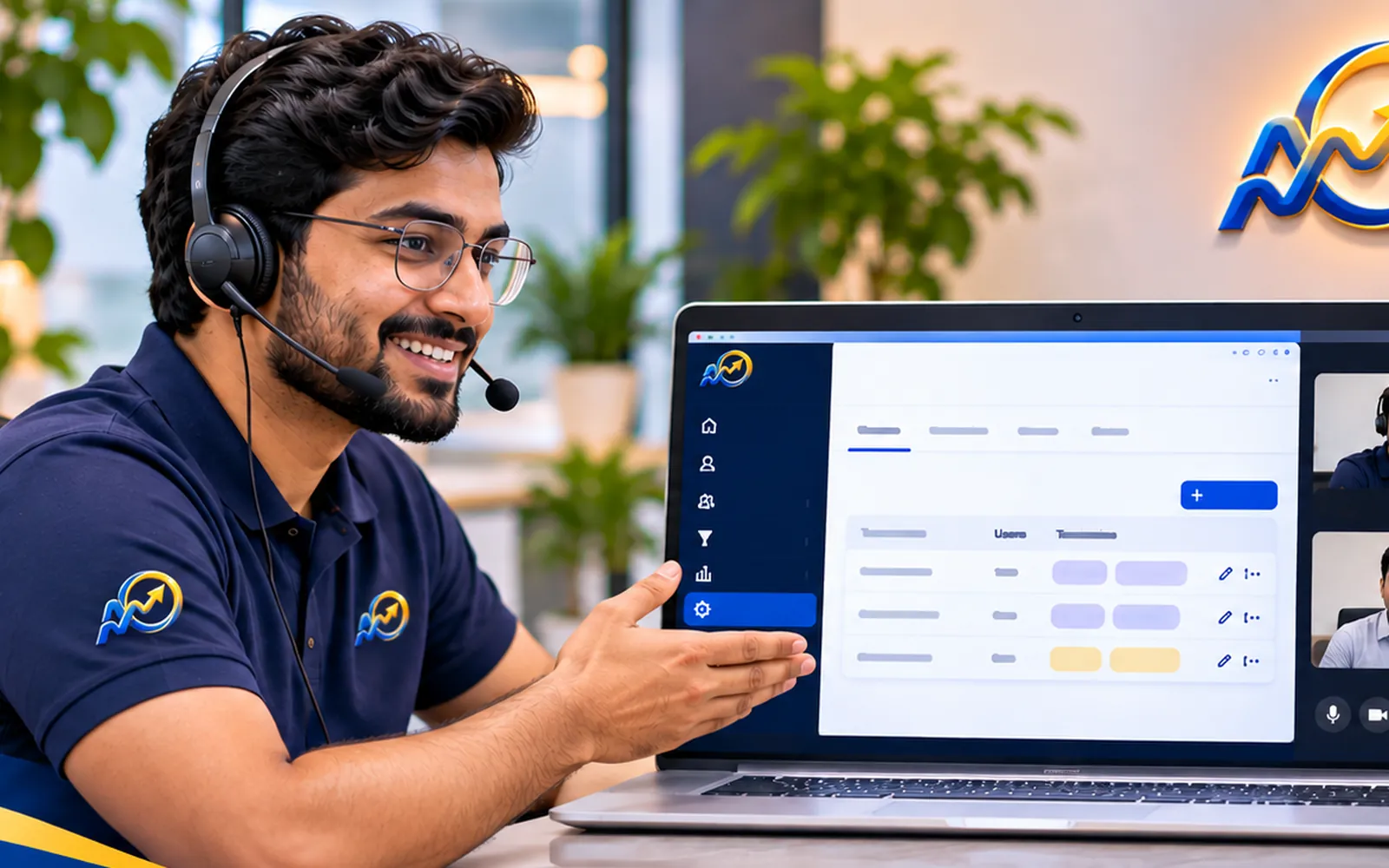
Sessions run over a screen share. Your Admin makes each change in your own account while the trainer explains it, so you know how everything works and nobody outside your company touches your data. You get the date, time and meeting link by email and WhatsApp, with a reminder an hour before.
Prefer to set it up yourself?
Choose "I'll set it up myself" when you first sign in. Anviom CRM shows the same steps, ticking each one as you complete it, with a Help Center article for every step. You can ask for a trainer at any time.
Questions
Is guided onboarding included?
Does the trainer change settings in our account?
How are sessions scheduled?
Can we set up on our own instead?


See Anviom CRM with your own lead flow
We'll walk you through capture, assignment and follow-ups — set up around how your team works.