

Anviom CRM for real estate
Every property enquiry to the right executive, fast
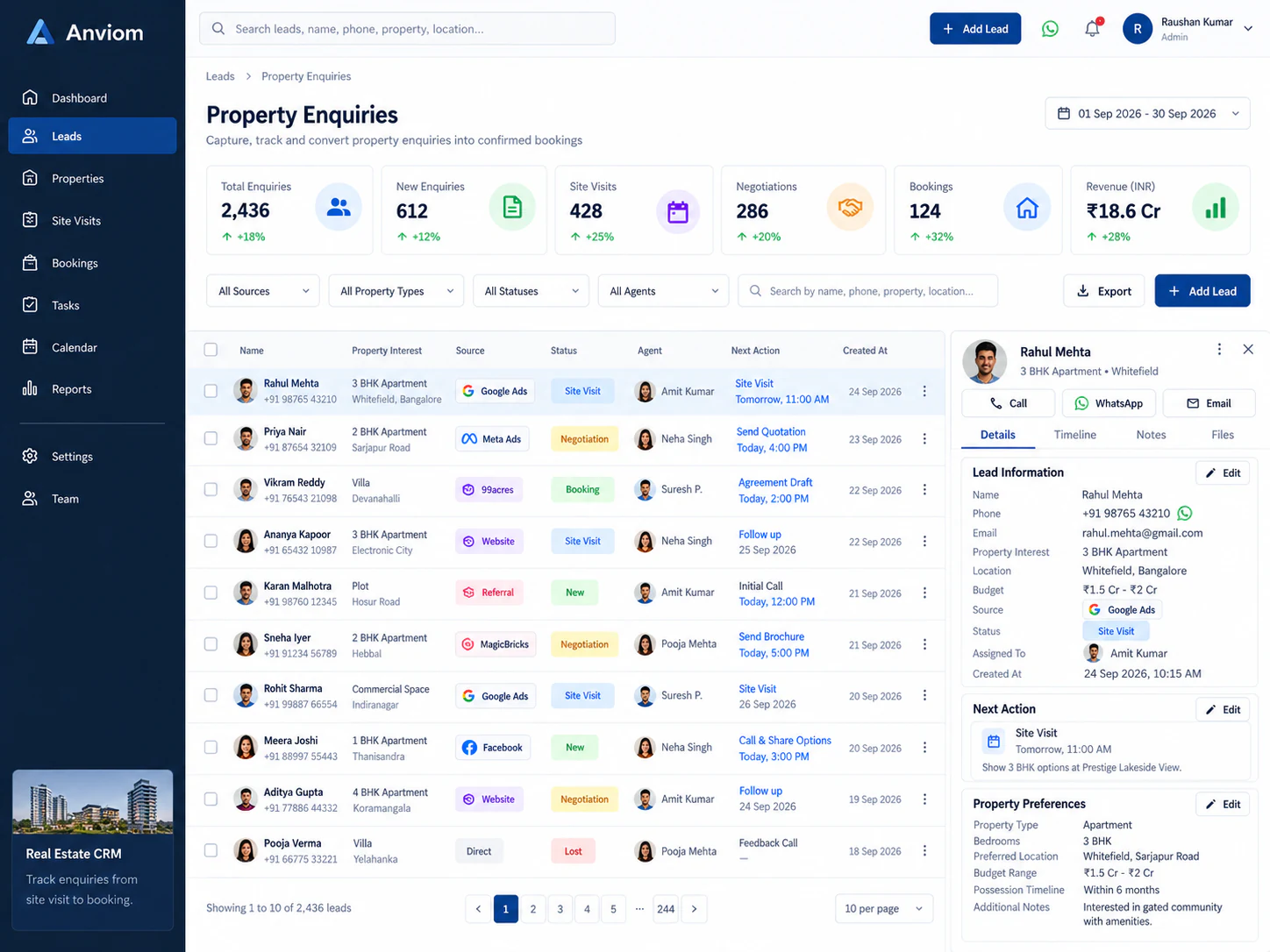
Buyers compare quickly. Route each enquiry to the right person by project or location, schedule site visits, and keep your pipeline moving to booking.

The problem
Where enquiries slip through today
Portal and ad enquiries reaching executives hours late
No consistent follow-up after a site visit
Managers unable to see which projects and sources convert
How it works
Your real estate workflow in Anviom CRM
- 1
Capture
Lead-ad enquiries flow in automatically; portal exports and event registrations can be imported by CSV.
- 2
Route
Territory-based assignment rules send each enquiry to the executive covering that project or area.
- 3
Visit & follow up
Track site visits as a pipeline stage and schedule follow-ups so no buyer is forgotten.
- 4
Close
Move buyers to booking and use funnel and velocity reports to find where deals stall.
Your pipeline
Stages that match how you actually sell
Every stage is configurable. Here's an example pipeline — rename, add or reorder stages to fit your process.
- 1New enquiry
- 2Contacted
- 3Site visit
- 4Negotiation
- Booked
Built in
What your team gets
- Territories with members and assignment eligibility
- Bulk transfer when an executive changes projects
- Custom fields for budget, configuration and preferred location
- Idle-lead ageing to spot enquiries that have gone quiet

See Anviom CRM for real estate
We'll walk you through capture, assignment and follow-ups — set up around how your team works.